All about your Dyson Airwrap i.d.™ multi-styler and dryer
Here you’ll find helpful set-up tips and maintenance advice, how-to videos, and your user manual.

Download the MyDyson™ app to register and get access to tailored guides, 24/7 support, and software update reminders.


Alternatively, you can register online here.
Getting started
Watch our video guide on getting set up, use the i.d. curl™ personalised curling sequence to style your hair, and more.

Your user manual
Download a PDF version of your Dyson Airwrap i.d.™ multi-styler and dryer user manual.
Now connected for personalised styling
Turn on your Airwrap i.d.™ multi-styler and dryer and use Bluetooth® wireless technology to pair it with your smartphone. It’ll store your personalised styling sequence, so that it's ready when you are.

Pair with the MyDyson™ app
How to connect your Dyson Airwrap i.d.™ multi-styler and dryer to the MyDyson™ app.
-
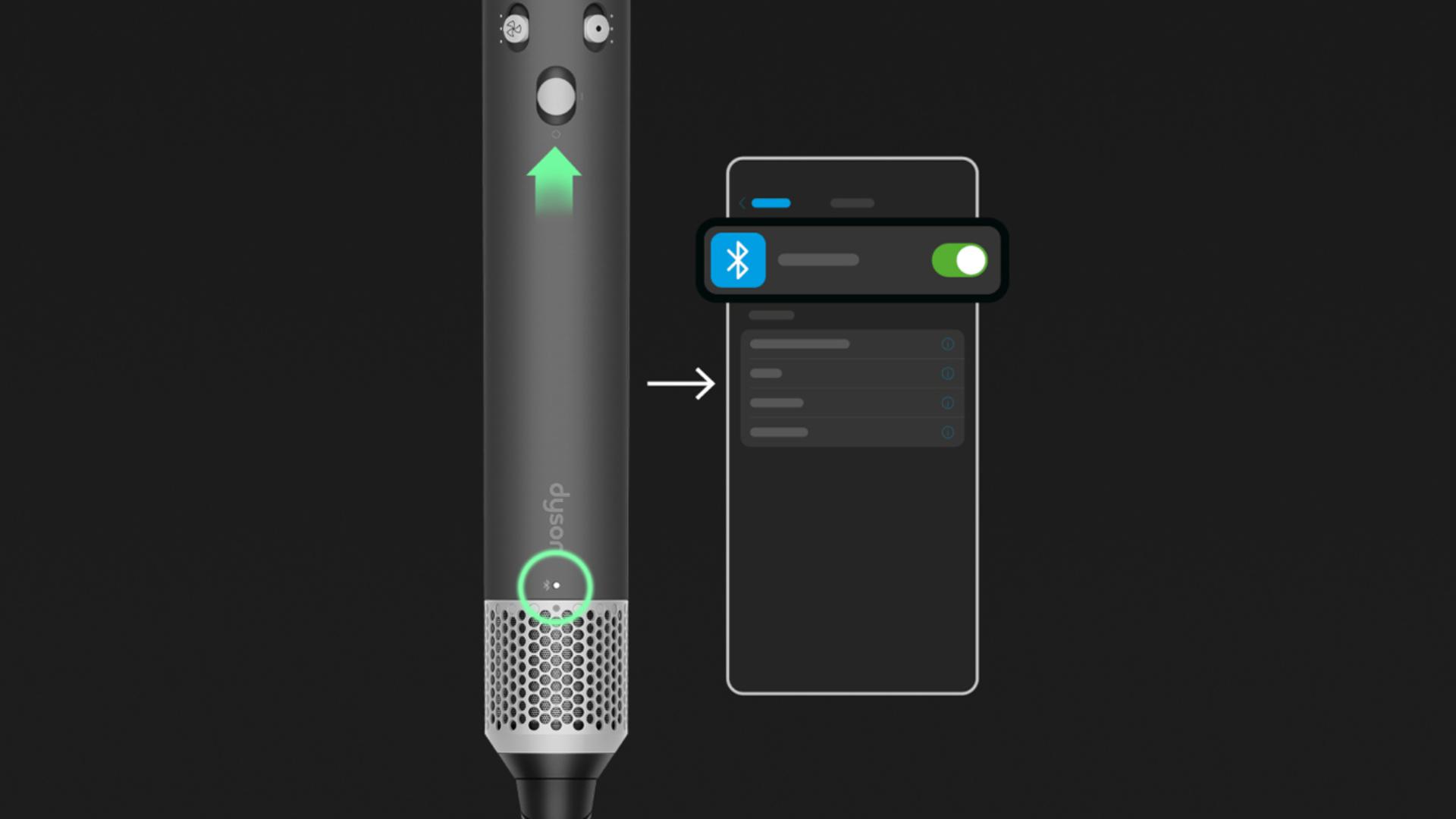
Switch on
Enable Bluetooth® wireless technology on your mobile device, then open the MyDyson™ app.
-
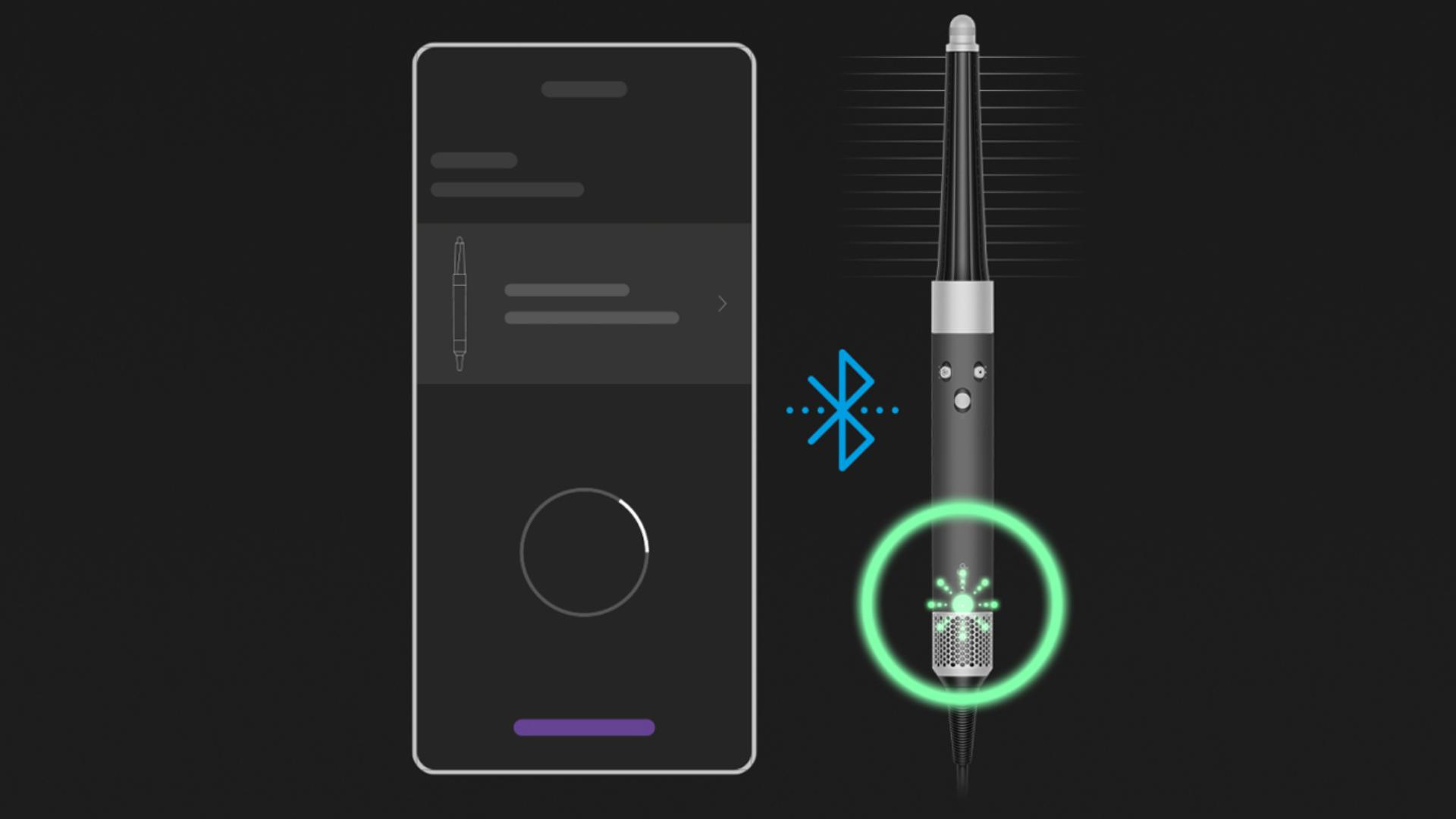
Pair
Follow the steps to add a machine and pair your Airwrap i.d.™ multi-styler and dryer. Airflow will be active during this time.
-
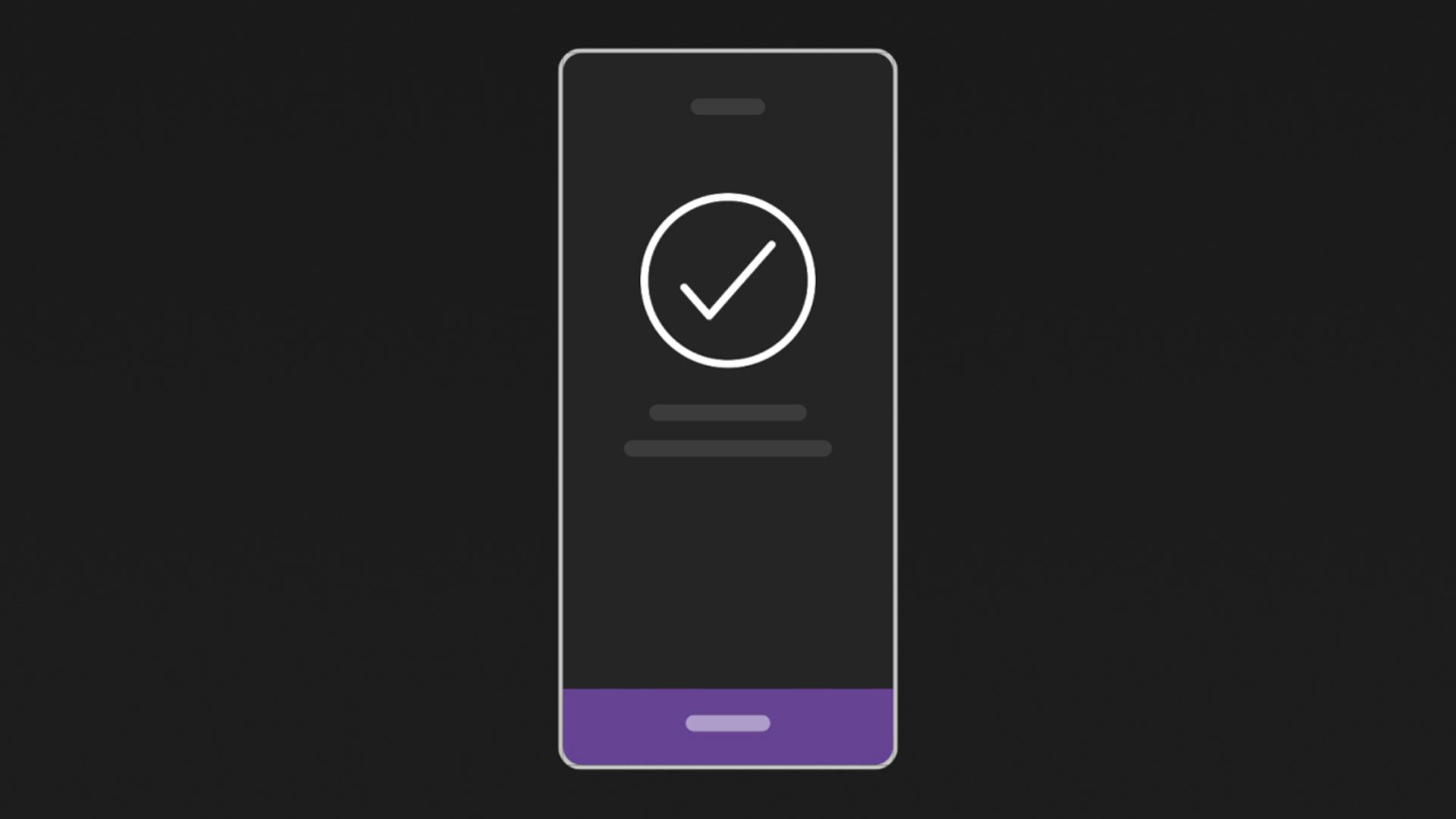
Set-up
Once paired, power off your Airwrap i.d.™ multi-styler and dryer. Continue to set-up the i.d. curl™ personalised curling sequence in the app.


Controls
Choose the best airflow speed and heat settings for your hair type and style.
-

Airflow speed
Three precise airflow speeds, Low, Medium and High, to suit your styling.
-
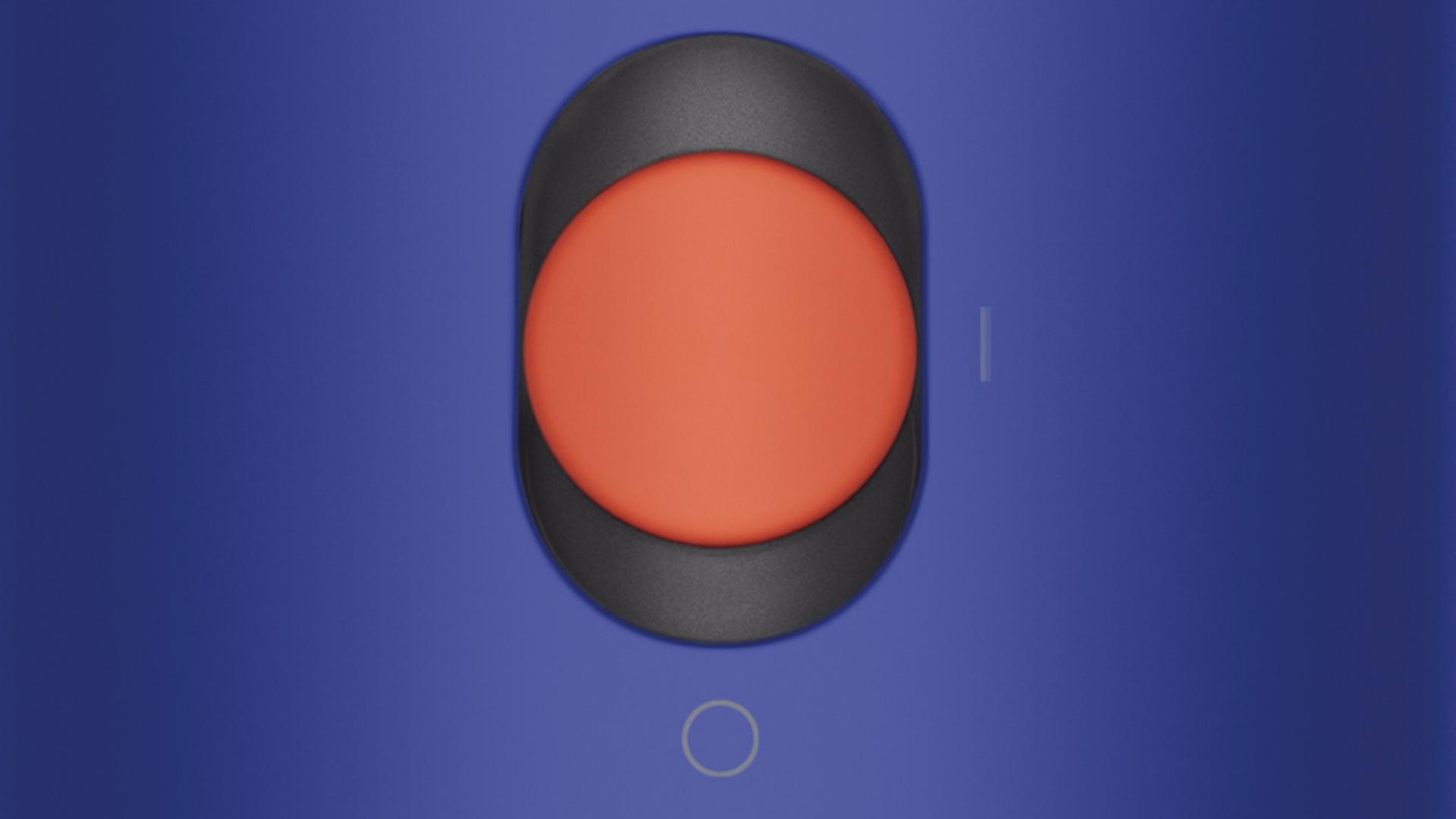
Power and connectivity
Slide power button up to activate Bluetooth® wireless technology and connect the device to your phone. Cold shot is now automated through the MyDyson™ app.
-
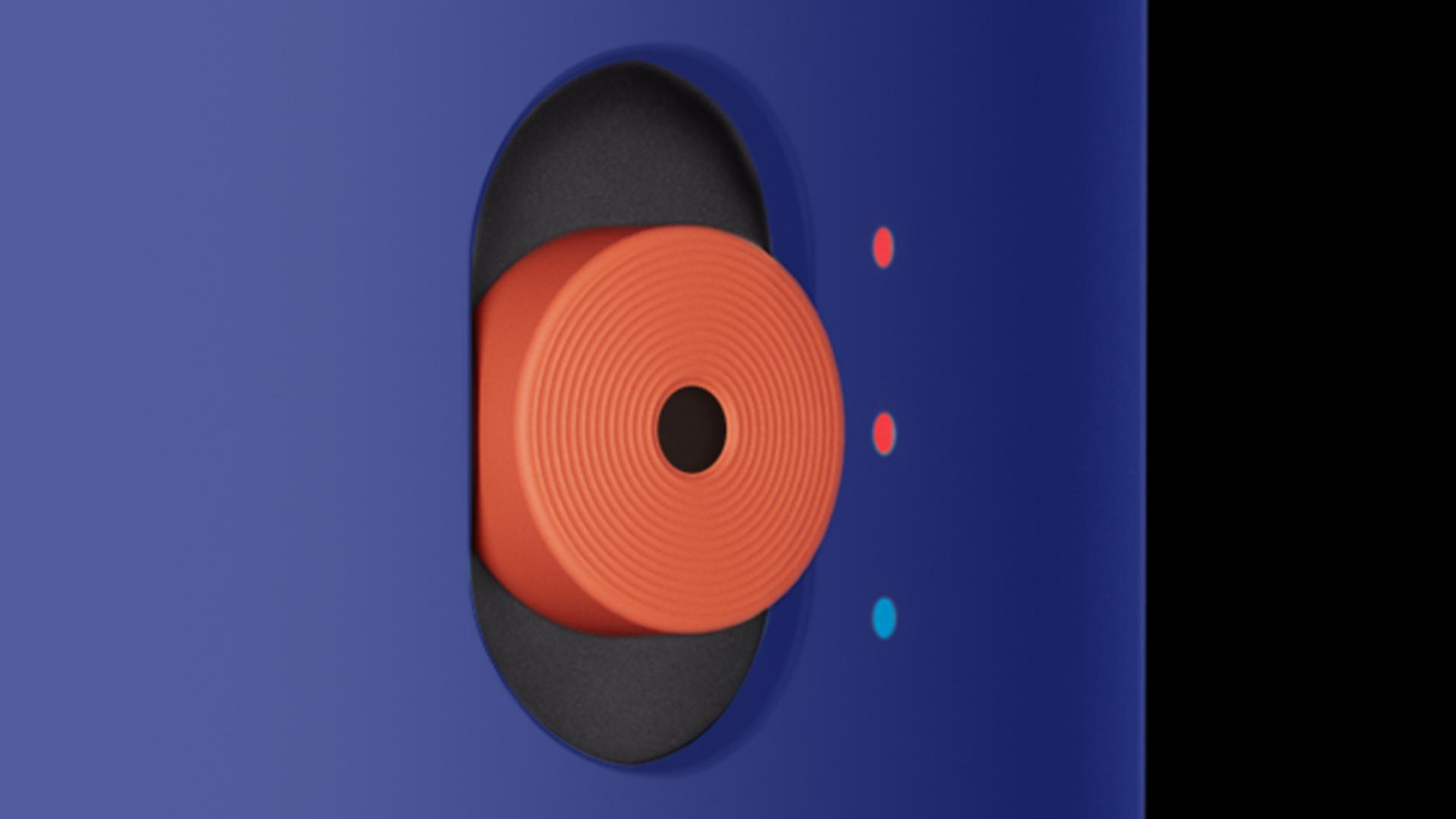
Temperature control
Three precise heat settings – Cold, Low and High, to suit your styling.


Maintaining your Dyson Airwrap i.d.™ multi-styler and dryer
We recommend carrying out regular, quick and easy maintenance to keep your device and attachments working at their best.
-

Cleaning your filter
Check the MyDyson™ app to see when your filter needs cleaning. And watch how to do it with our video cleaning guide.
-
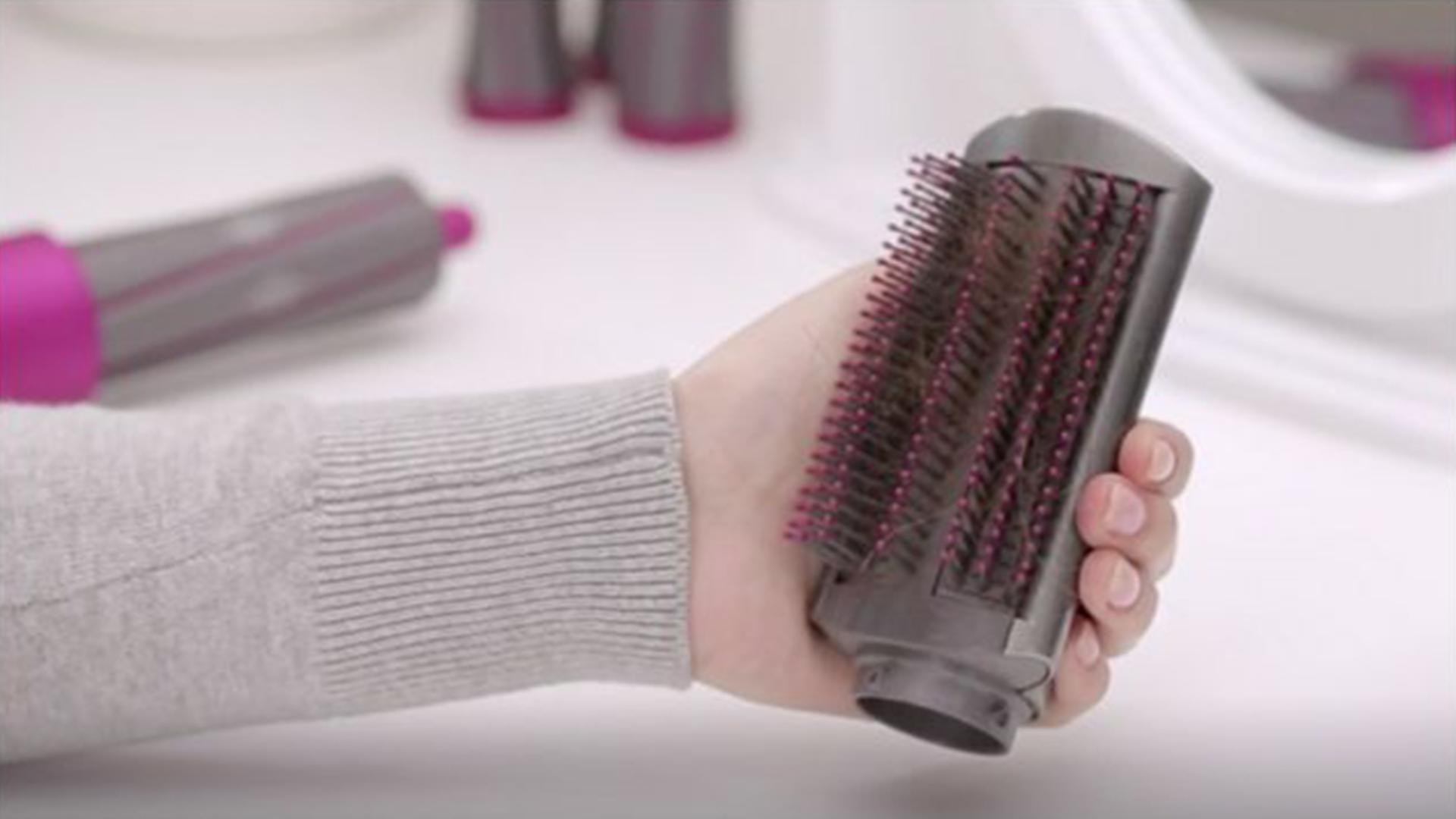
Cleaning your attachments
Simply wipe the surfaces of your barrel and brushes with a soft, damp cloth, and carefully pull any hairs out of the brushes.


Achieving your style
Watch our quick step-by-step guides to achieve your ideal style
-
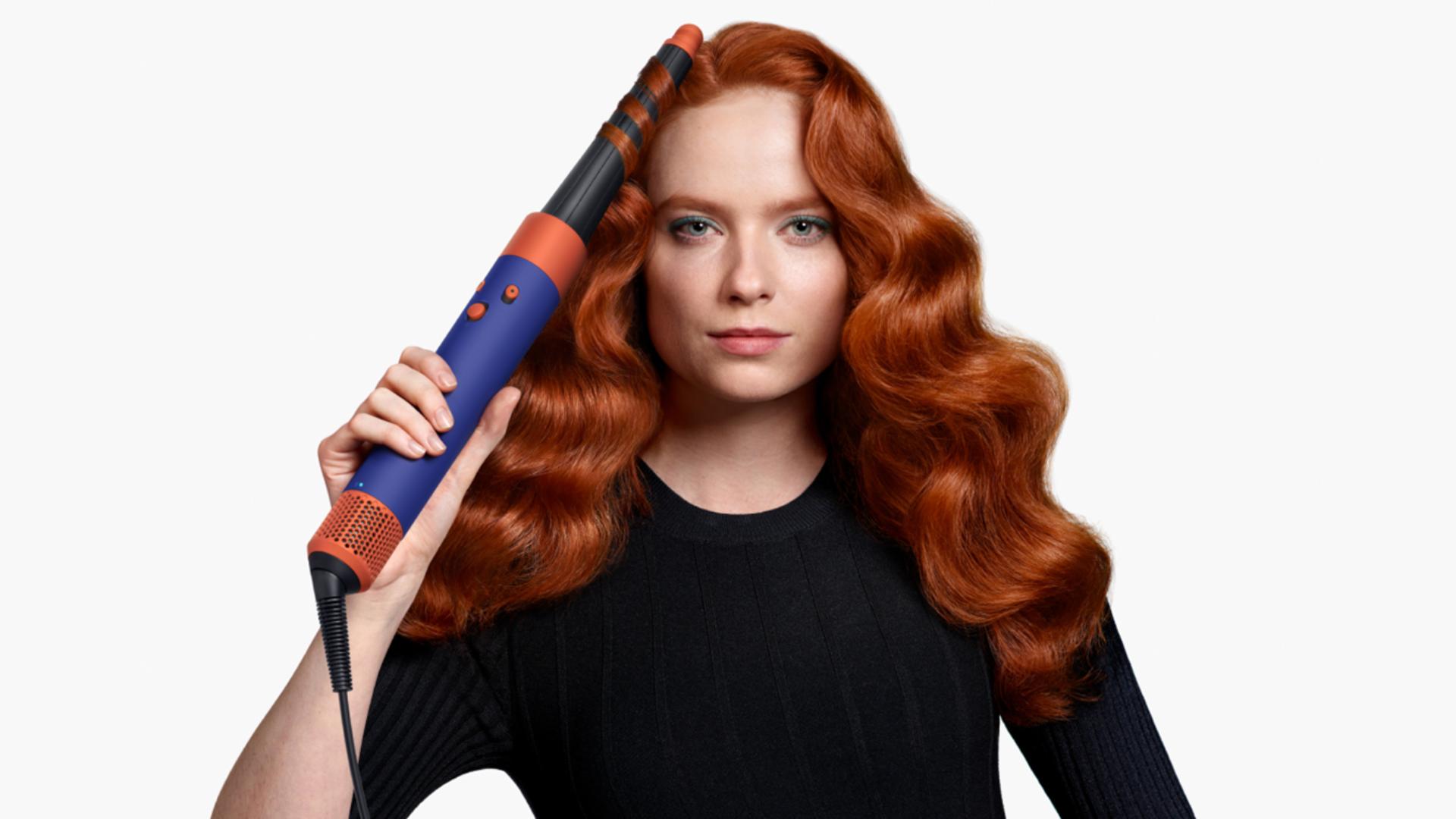
Retro waves
Achieve a beautiful throw back with glamorous retro waves.
-
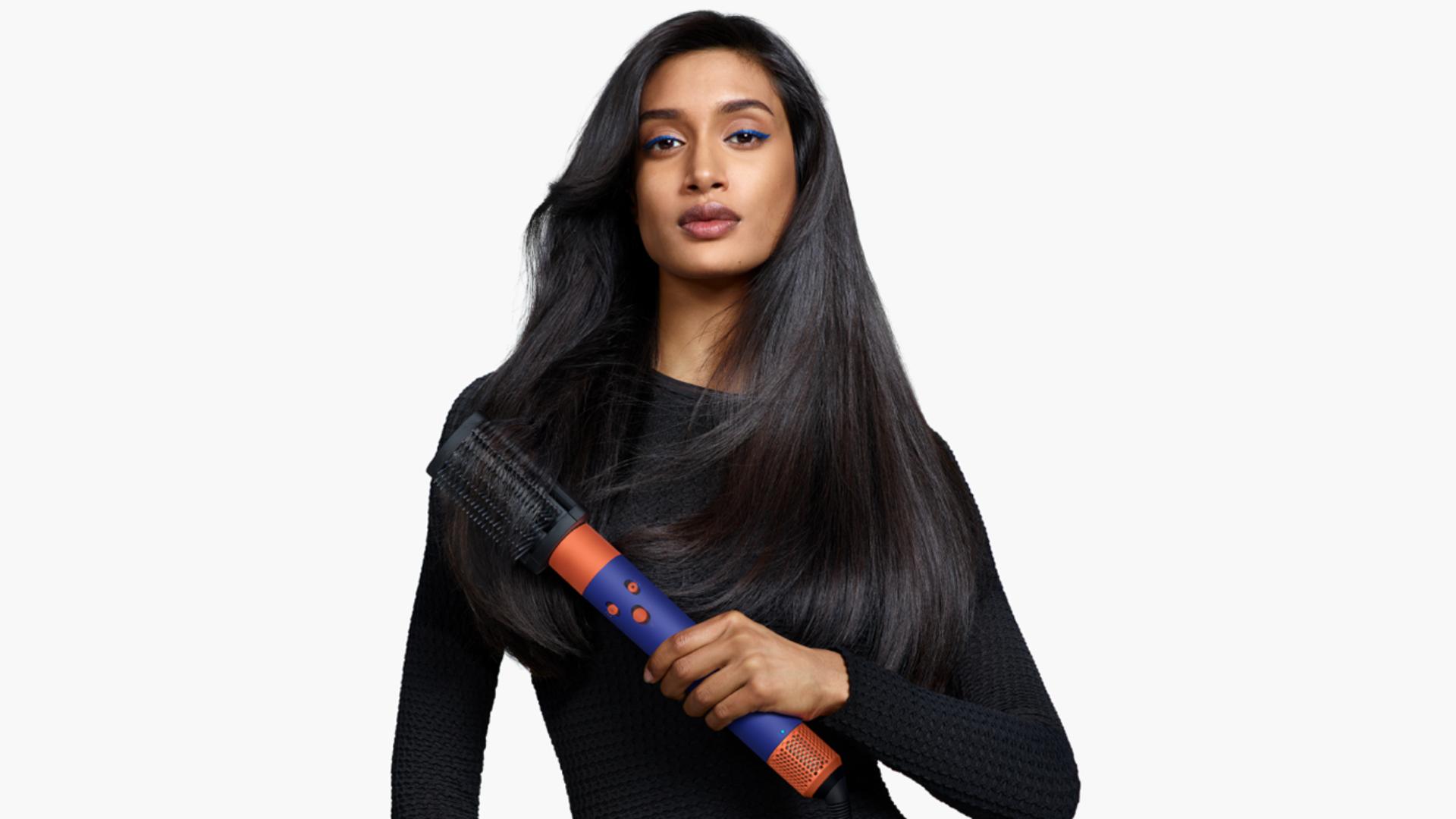
90s blow out
Opt for a smart and sleek 90s blow out, with no extreme heat.
-
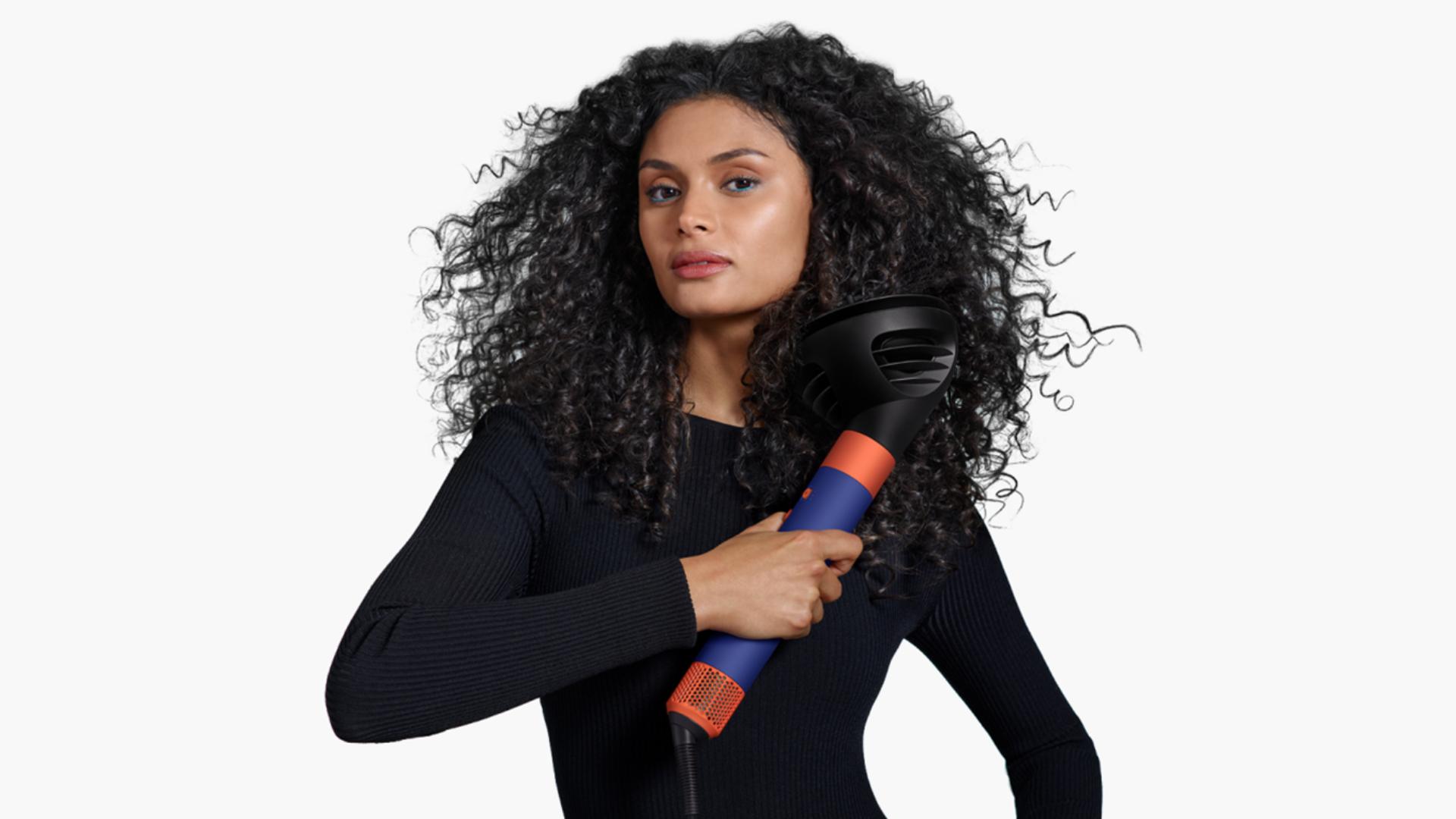
Textured curls
Embrace your curls with enhanced texture, quickly and easily.


Hair care formulations.
By Dyson.
Dyson Chitosan™ styling range, formulated for 2x longer hold.1 Answer a few simple questions to identify the products best suited to your hair.

Frequently asked questions
Yes, if the weave or extensions are made out of natural hair. If the hair is synthetic, take caution when applying heat. If you’re not sure, we’d recommend checking directly with the weave/extension manufacturer for their guidance as they’ll be best placed to offer advice on caring for their product.
Yes, as long as the right hair product is used to support the desired result. Our Dyson Chitosan™ styling range has been created to work with Dyson devices and is a great product to compliment the Dyson Airwrap i.d.™.
If your hair is naturally prone to retention issues, consider using appropriate styling products to support the style. Our Dyson Chitosan™ styling range provides flexible all-day hold, is designed to be used with our Dyson hair care devices and is suitable for all hair types.
We use moisture in the hair to break the hydrogen bonds in preparation for styling – removing the requirement for extreme heat. The bonds reform as the hair dries, locking the style in place. For best results, start styling with freshly washed hair. All brushes can be used on wet hair, but the barrels work best on damp. We recommend using the Dryer+Flyaway smoother or Fast dryer to dry wet hair to damp before styling with the barrels. Alternatively, you can spray your hair down with some water if you don’t have time to wash.
It uses high pressure powerful airflow and controlled heat to style and dry at the same time, with no heat damage.
Yes. All attachments are fully compatible with previous Dyson Airwrap™ devices.
Once connected to the MyDyson™ app, you set up your hair profile. This contains the information required to create an i.d. curl™ personalised curling sequence, with the ideal timings to wrap, curl and set your hair. Once the power button is pushed all the way up, i.d. curl™ personalised curling sequence will activate and the sequence will begin.
Taking a section of hair, hold it against the device until it latches on. There’s no need to count or time, as i.d. curl™ personalised curling sequence does it automatically. As the timer begins, it will start wrapping, styling and then activate a cold shot to set your curl. The device will then go into ultra low flow mode where the curl will be released. You’re then ready for your next curl.
All Airwrap™ barrels can be used with i.d. curl™ personalised curling sequence as the timings don’t change with each barrel.
Temperature can be adjusted on the MyDyson™ app for thermal comfort. The sequence will take this temperature change into account and alter timings based on the new temperature to make sure it is always optimal. For example, if you reduce the heat, the sequence will increase in time to ensure wrapping and styling is optimised.
The Dyson Airwrap i.d.™ multi-styler and dryer is manufactured for use in the country it’s sold in, with the appropriate voltage for that market. If the country you’re travelling to uses a different voltage, your multi-styler and dryer may not work. We advise against using it with an adaptor as we can’t guarantee that won’t cause damage to your device.
Yes, the Dyson Airwrap i.d.™ multi-styler and dryer has an ioniser like the Dyson Supersonic™ hair dryer. The negatively charged particles in the airflow help reduce static in the hair.
You do not need to have your phone near to your device to use it, as i.d. curl™ personalised curling sequence remembers the previous settings after initial set up. However, using the app can unlock more features.
Although the phone is not needed near the machine for i.d. curl™ personalised curling sequence functionality, the phone does need to be near the machine to perform updates and to apply any changes to the heat or timings settings. Certain elements of the app will also not be visible when the machine is not connected.
Yes – multiple profiles can be connected to the app so different people in one household can use the device. However, to ensure that the i.d. curl™ personalised curling sequence timings are customised to your hair profile, we recommend each user sets up their own account. Each MyDyson™ app account can set up 1 unique profile. The Airwrap i.d.™ can be connected to 1 app at any point in time.
Speak with a Dyson expert
Find help and advice quickly. Chat with a Dyson Expert on WhatsApp, or ask Dyson's Digital Assistant.


Visit Dyson YouTube"For more styling guides and hair science facts, you can visit our YouTube channel"

Follow @DysonHair"To discover new styles and perfect your technique, follow @DysonHair on Instagram"